
Cronetic allows you to store files such as their w-9, Insurance Certificate, and authority for carriers and shippers images and documents that are specific to their transport.
To upload a file, head to your quote or order details page, locate the sub-menu on the left, and select files.
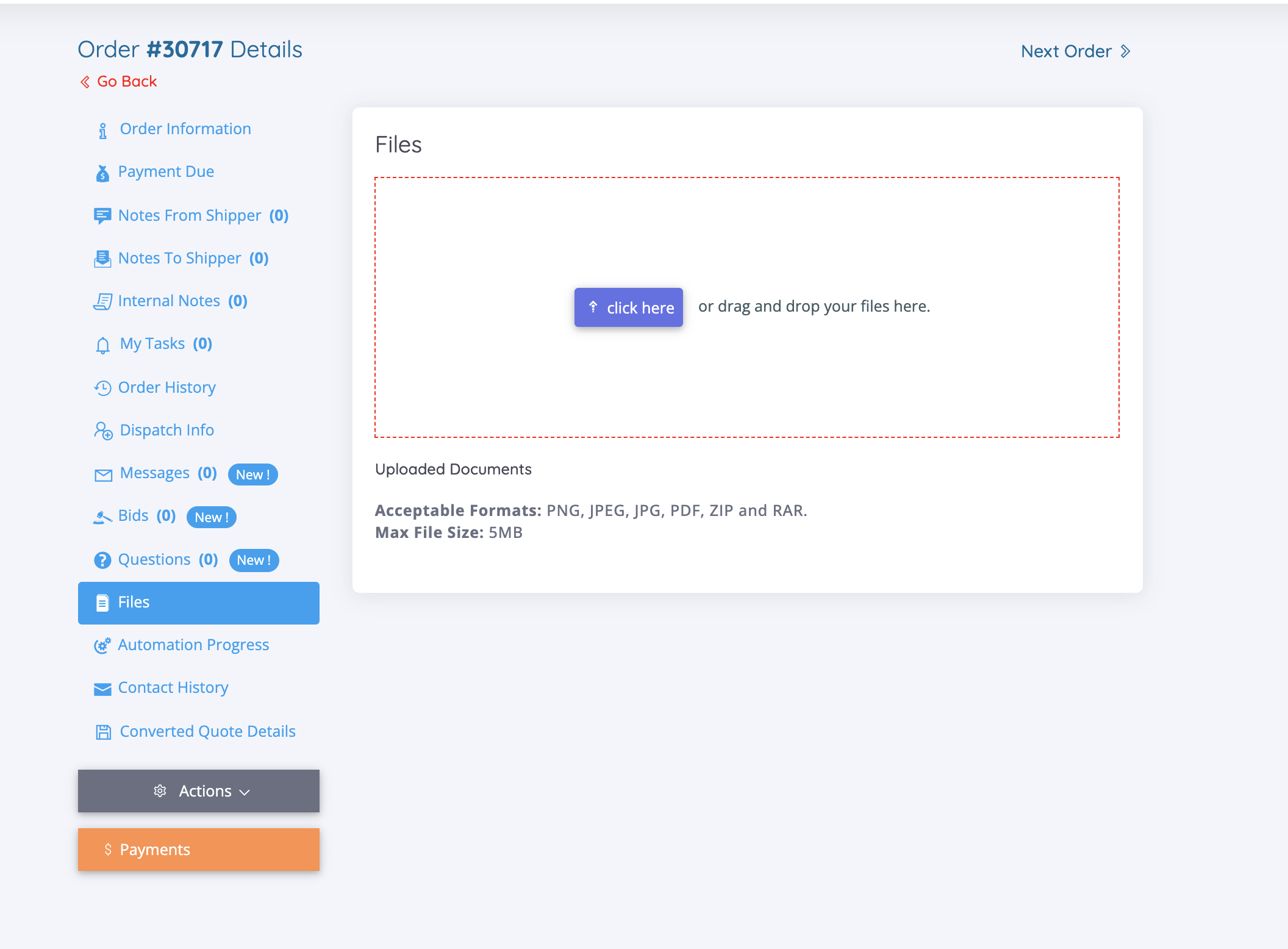
You can either drag and drop the file in the red box or click "Click Here" and a file upload window will appear, allowing you to locate the file on your device.
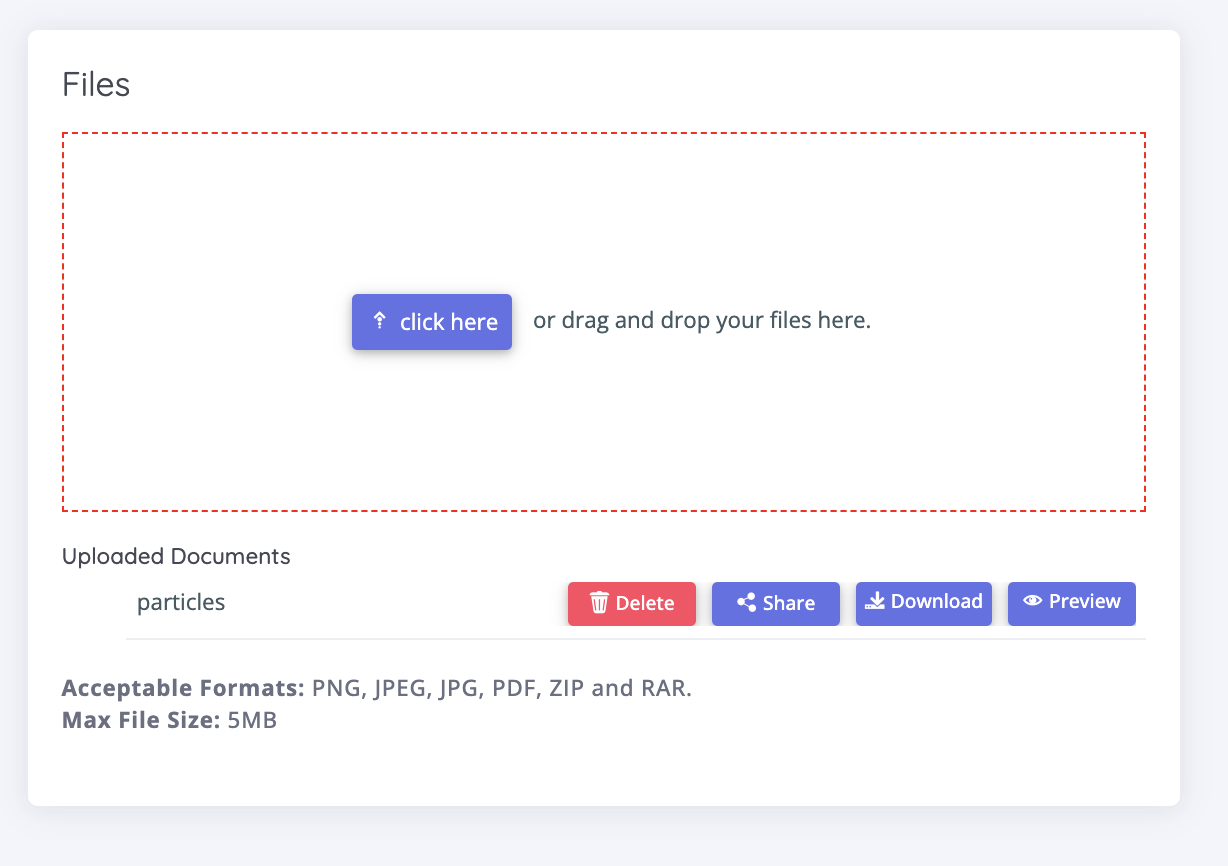
Once you've uploaded the file, you will have the option to Share, Download, or Preview the file for future reference.
Before uploading, it is a good idea to rename the file for easier sourcing.
Comments
0 comments
Please sign in to leave a comment.