
You can find the lead distribution settings after the lead source has been correctly configured.
To edit your lead distribution settings, head back to Menu > Manage Accounts > Lead Sources.
Once there, click on the edit button under Action (found to the right of the lead source)

Once the Lead Distribution window appears, you can now set which agent receives leads from the selected source by inputing a number in the Lead Multiples Field. The number you select represents the amount of leads the agent gets before the next agent starts to receive (Round Robin)

Forwarding Leads
You can forward leads as they come in by one of two ways.
To forward all leads as they come in, input the email address here.
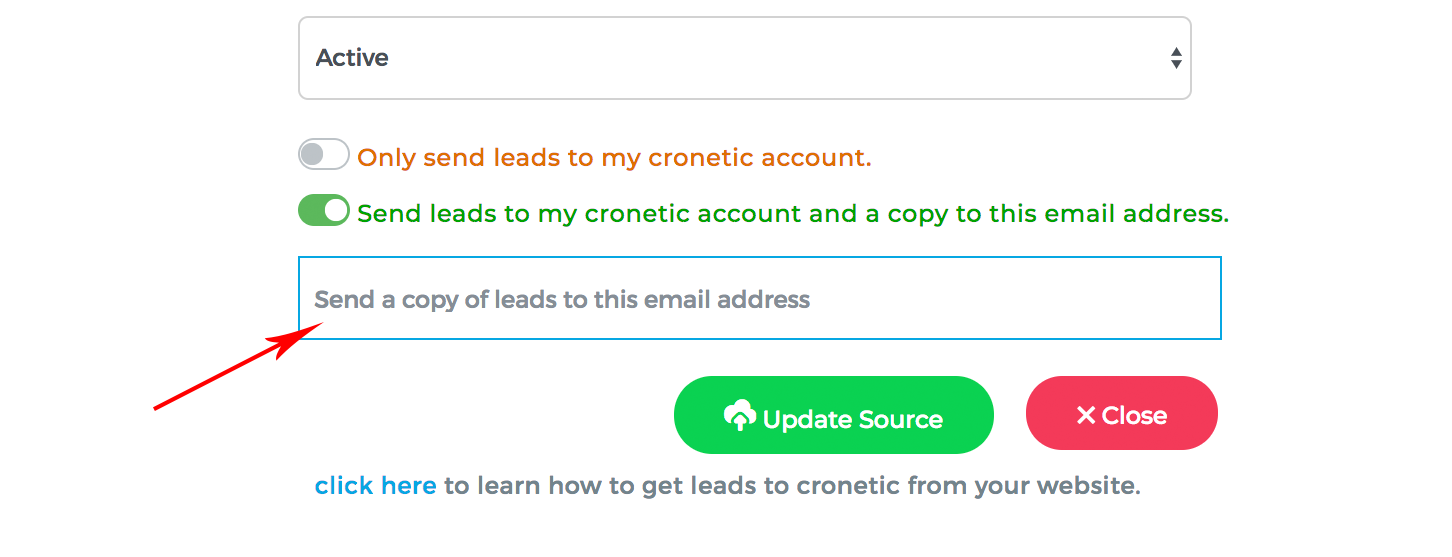
To forward a lead based on the agent that's received it, input the email address here.

Once you are done with the settings of each agent, click  to save the setting of that agent.
* You must update the setting of each agent for the new settings to take place. Refresh the page to confirm the changes.
Comments
0 comments
Please sign in to leave a comment.