
To delete a user, you must be a Cronetic administrator. Deleting the user will do four things:
- Prevent the user from logging in.
- Remove the user from all user lists.
- Hide the contact record associated with the deleted user.
- Reassign open items to admin account.
No data will be lost.
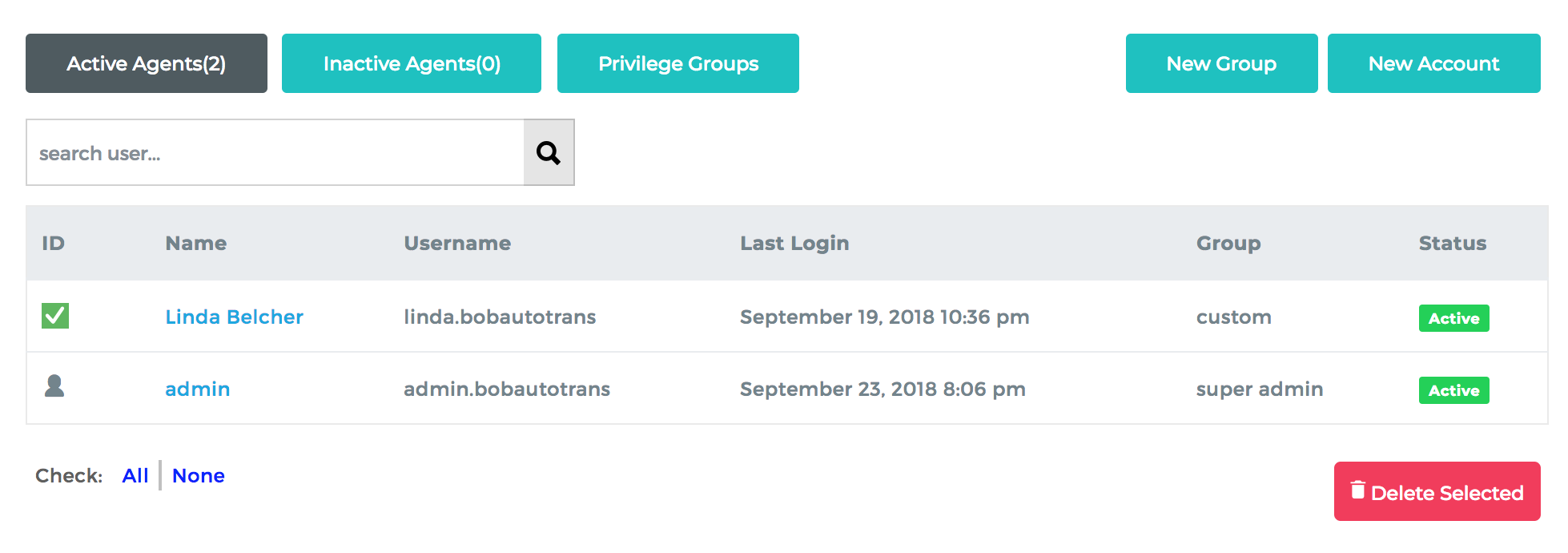
Go to Manage Accounts > Agents.
- Click the checkmark to the left of the user's name and click the Delete User button below.
- If you have a paid subscription and won't be adding a new user to replace the deleted user, reduce the number of users on your account to reduce your monthly subscription cost.
Comments
0 comments
Please sign in to leave a comment.