
To edit the status of an Agent added to your organization, head to the user's profile
(Left Side Bar Menu > Manage Accounts > Agents)
The next window that will appear will list your agents (Active and Inactive)
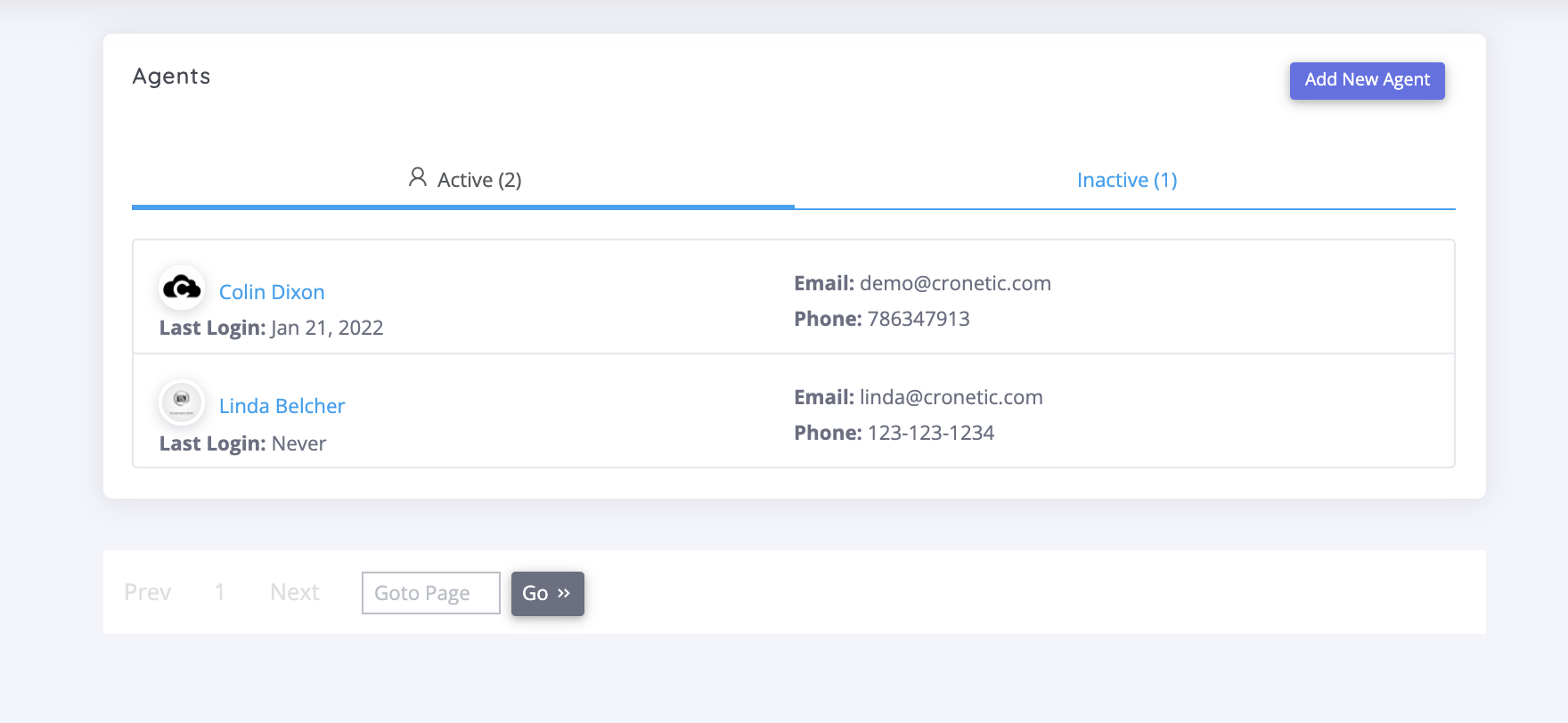
Select the Agent that you're looking to edit the status of
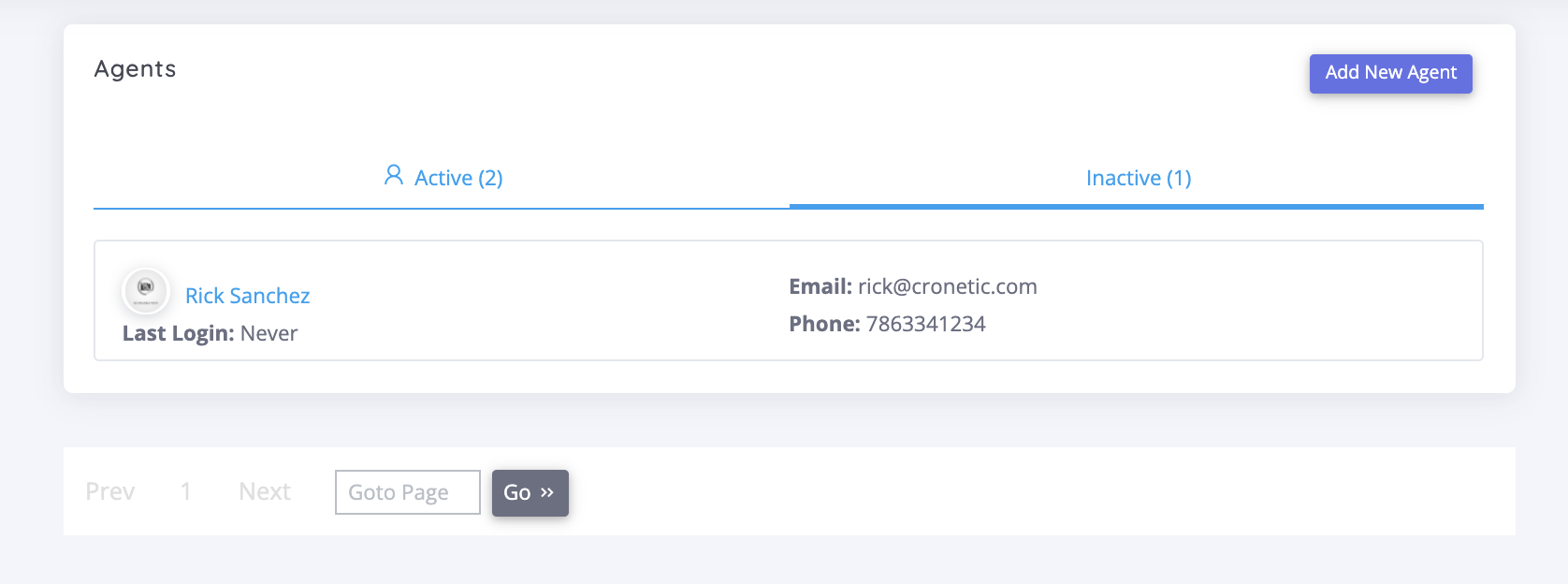
Then Agent Info
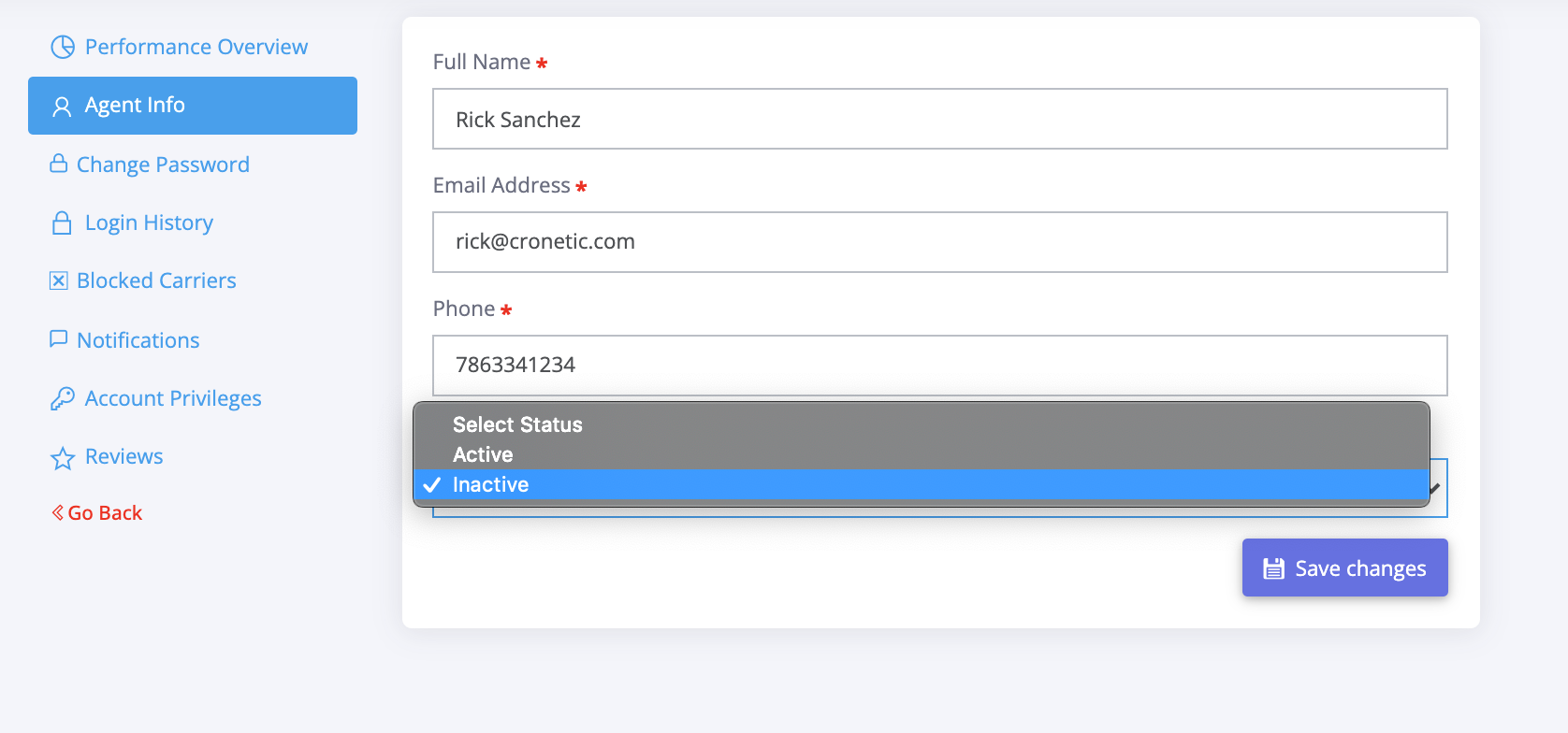
In the field labeled Agent Status, select the desired status and then "Save Changes"
Comments
0 comments
Please sign in to leave a comment.