
Here's a step-by-step guide on getting your Sengrid account set up and integrated with Cronetic.
First, you're going to want to create an account with Sengrid. If you're pretty tech-savvy, it should be fairly easy to get going. If you still need help, contact us and we will assist with completing your integration. Please complete the steps below before requesting assistance.
To get your account started, click here.
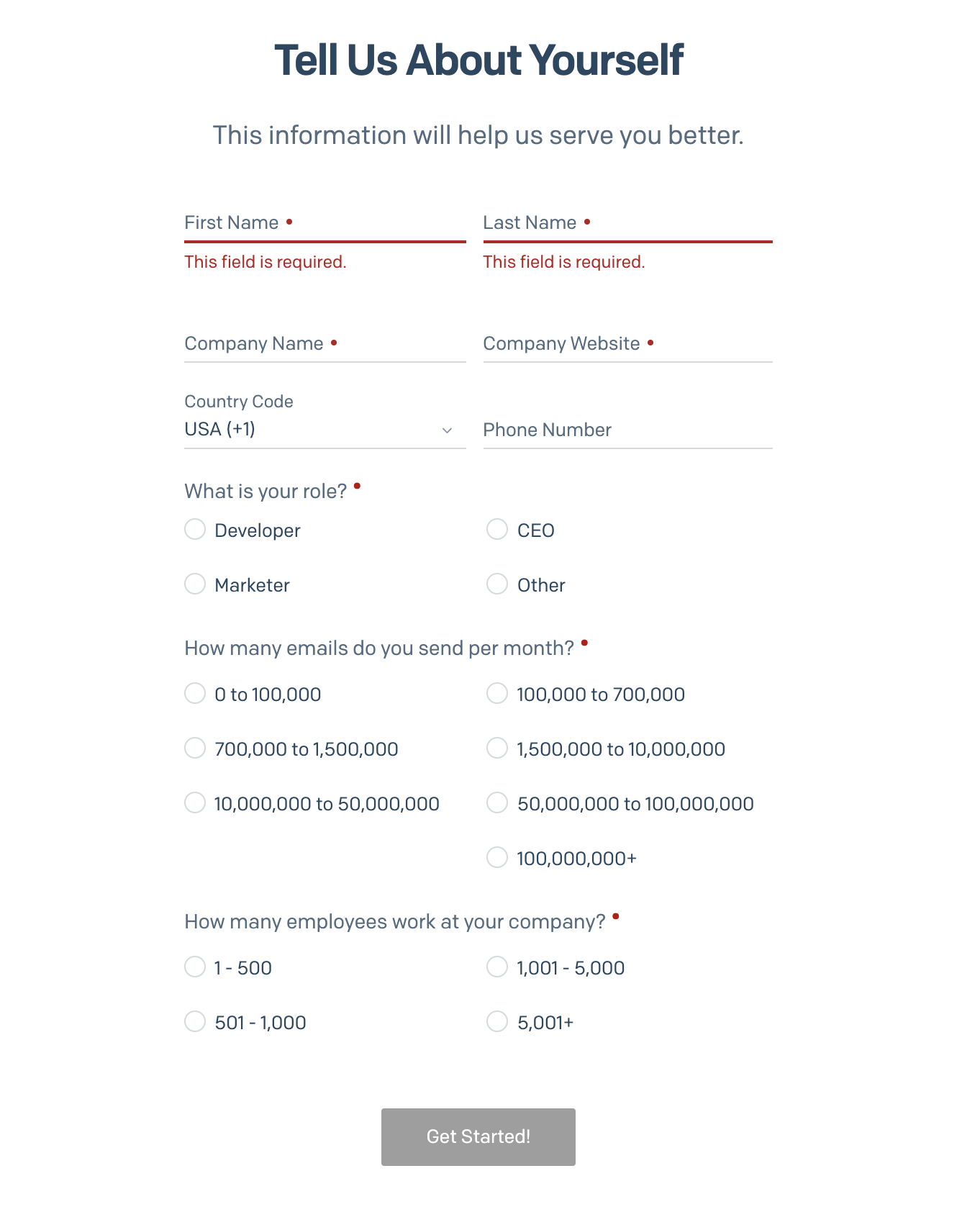
Fill out the About Yourself form.
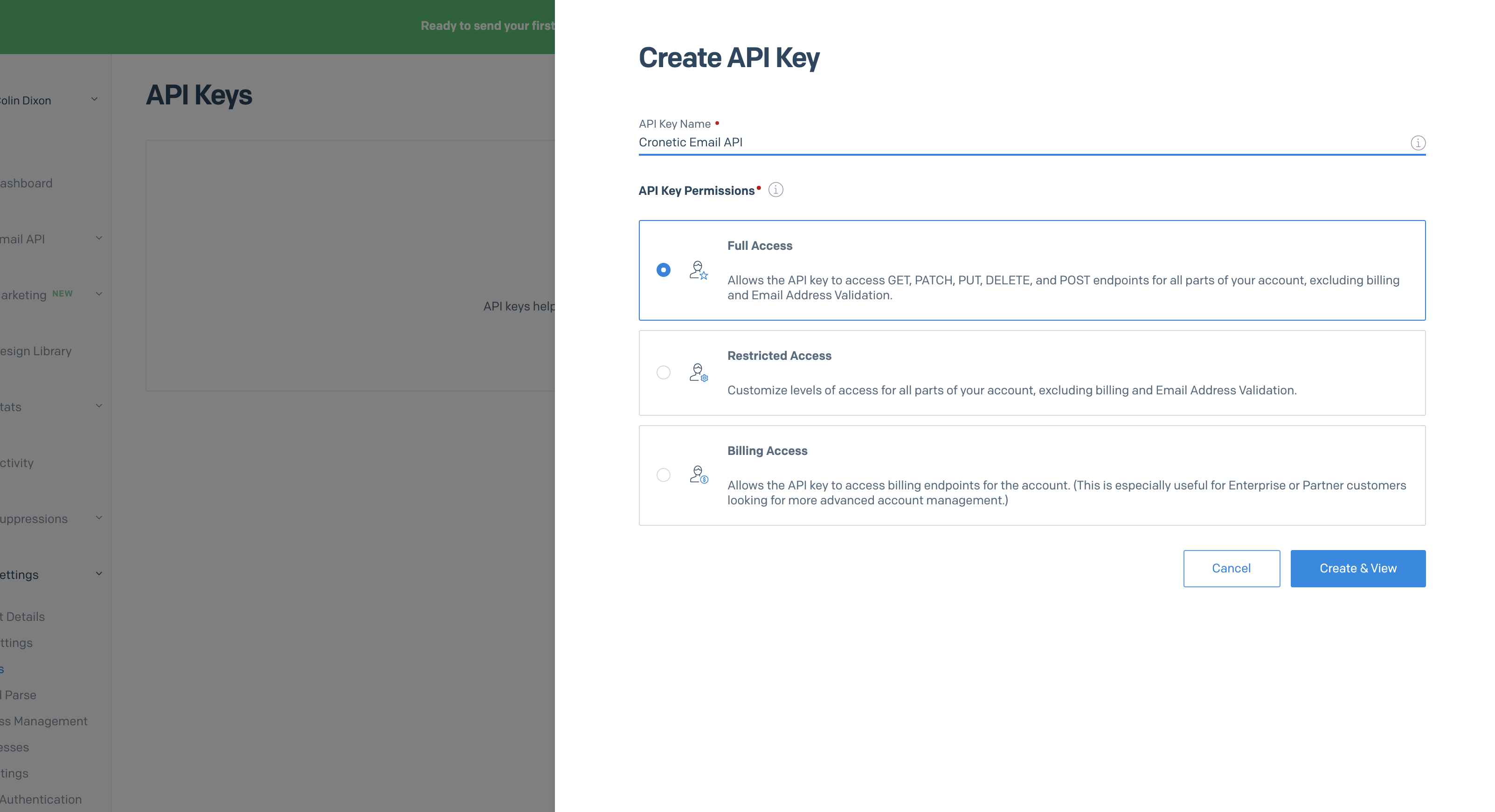
Nex,t click "API KEYS", then click the "Create API Key" button

Create a name for your sendgrid API Key
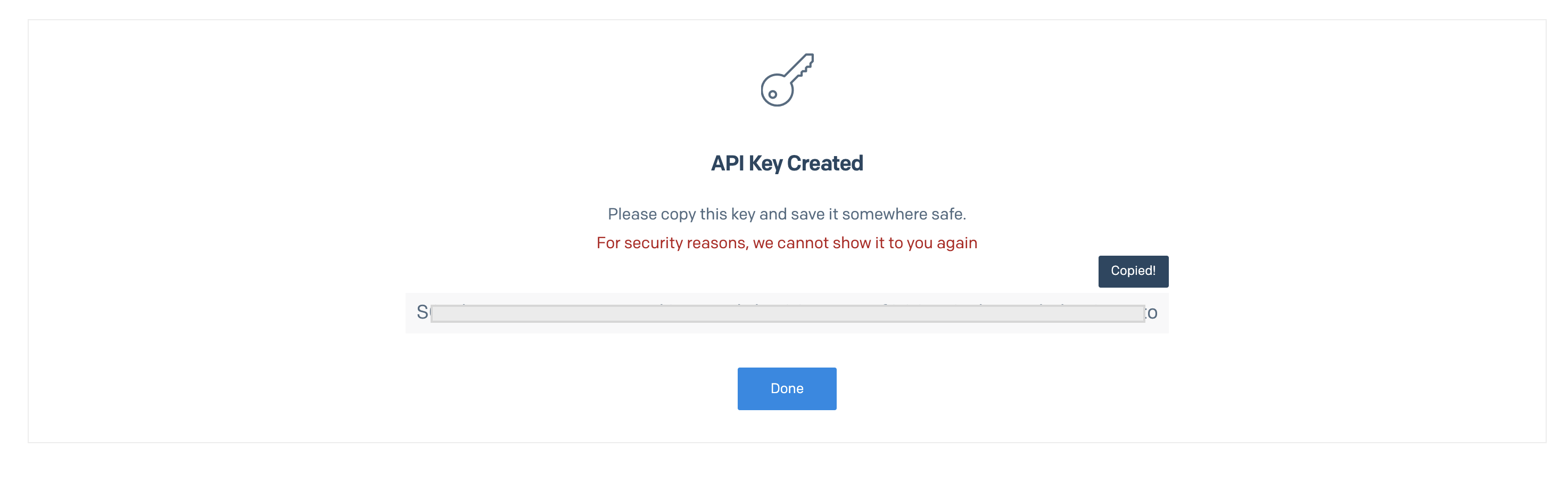
Copy your new API Key and store it somewhere safe.
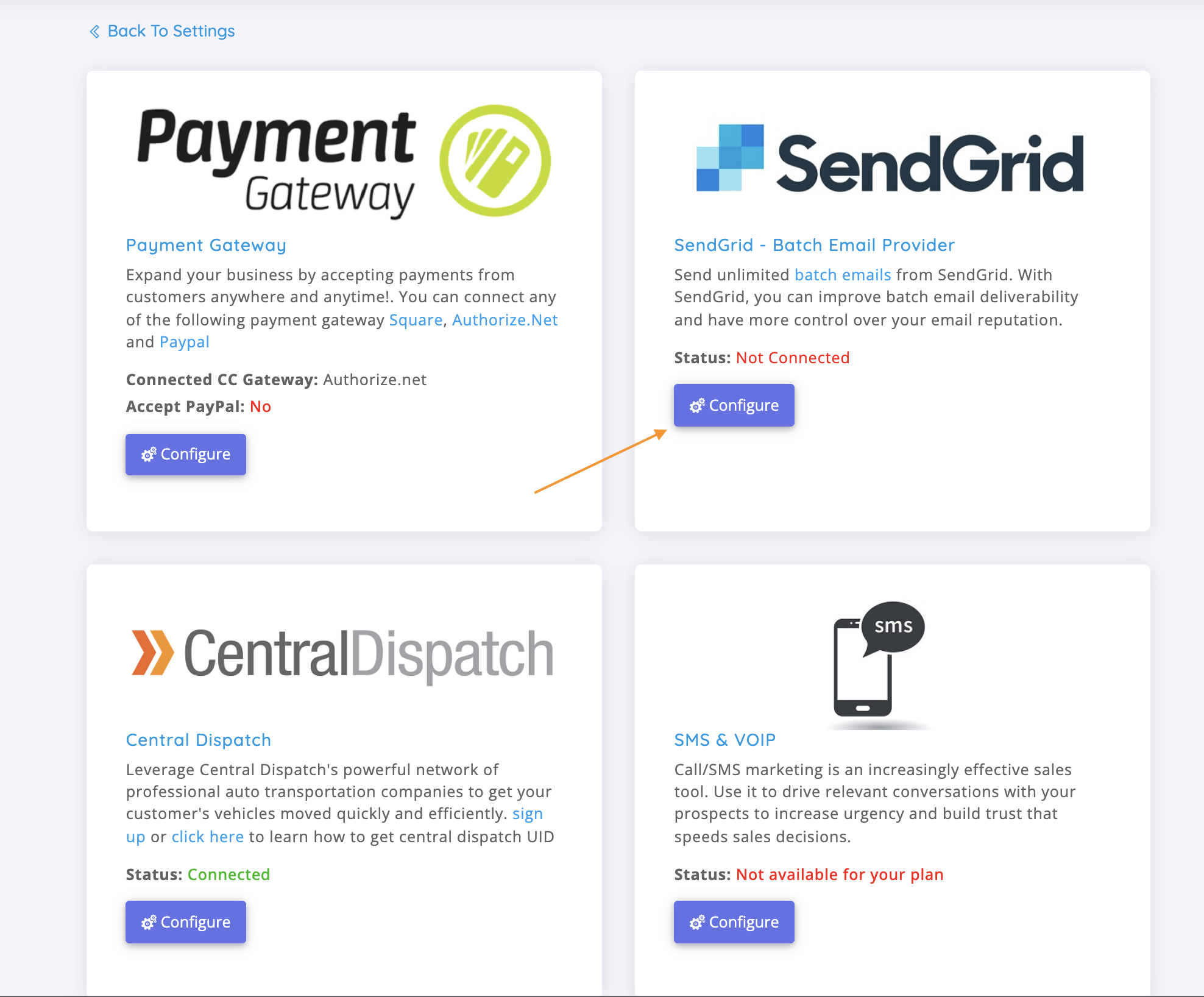
Head back to Cronetic.com, click Settings, then Integrations.

Click the "Configure" button on the Sendgrid Card
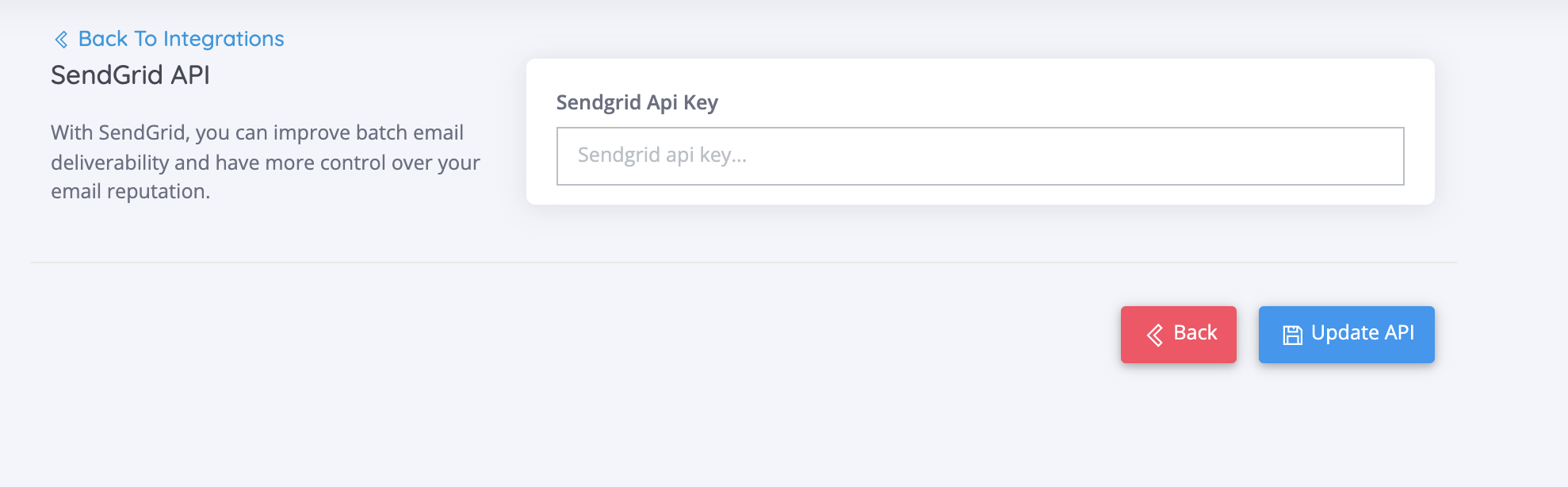
Paste the Sendgrid API and click the "Update API" button
Be sure to head back to Sendgrid to complete your account setup.
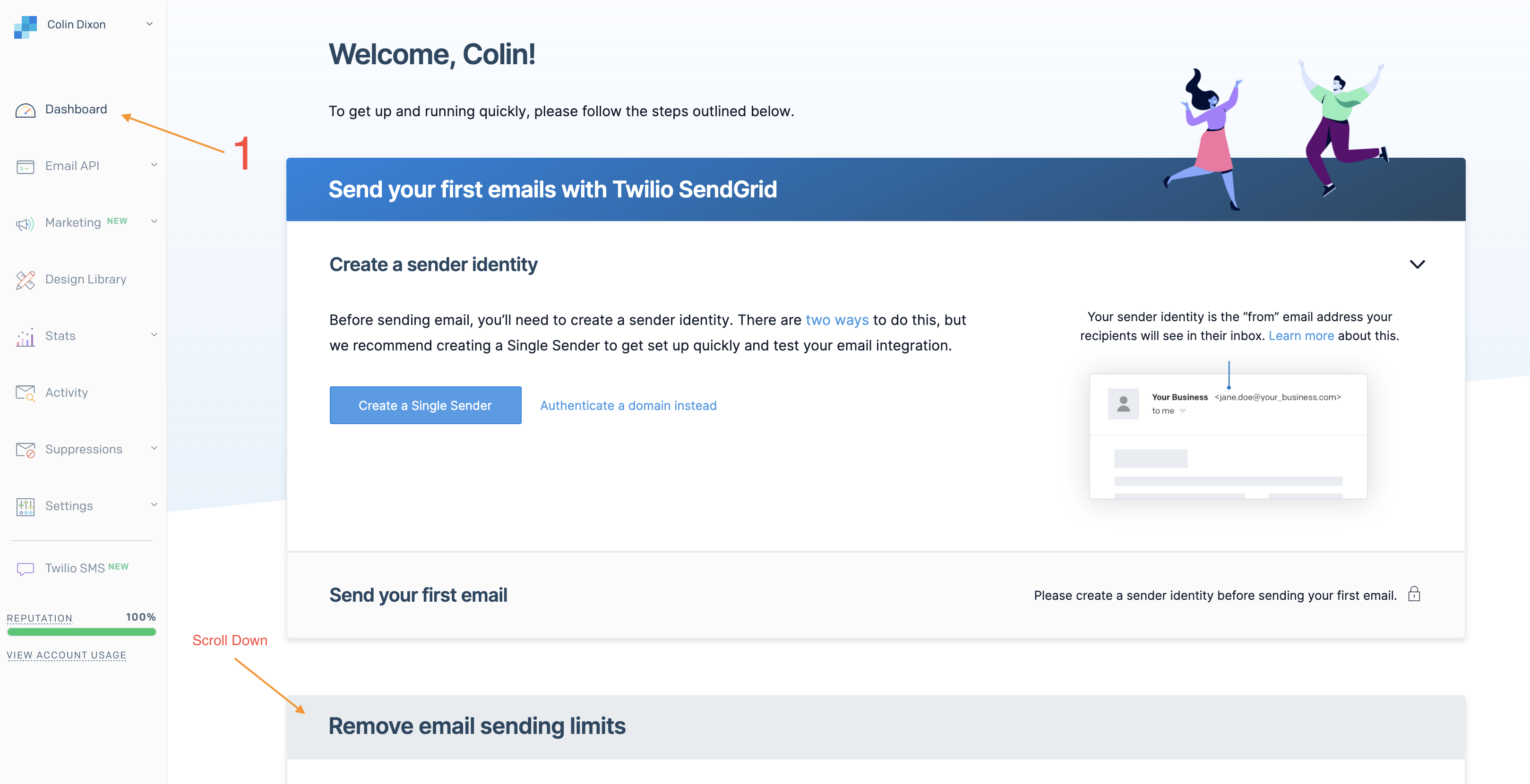
Click Dashboard, and then scroll down to the "Remove email sending limits"
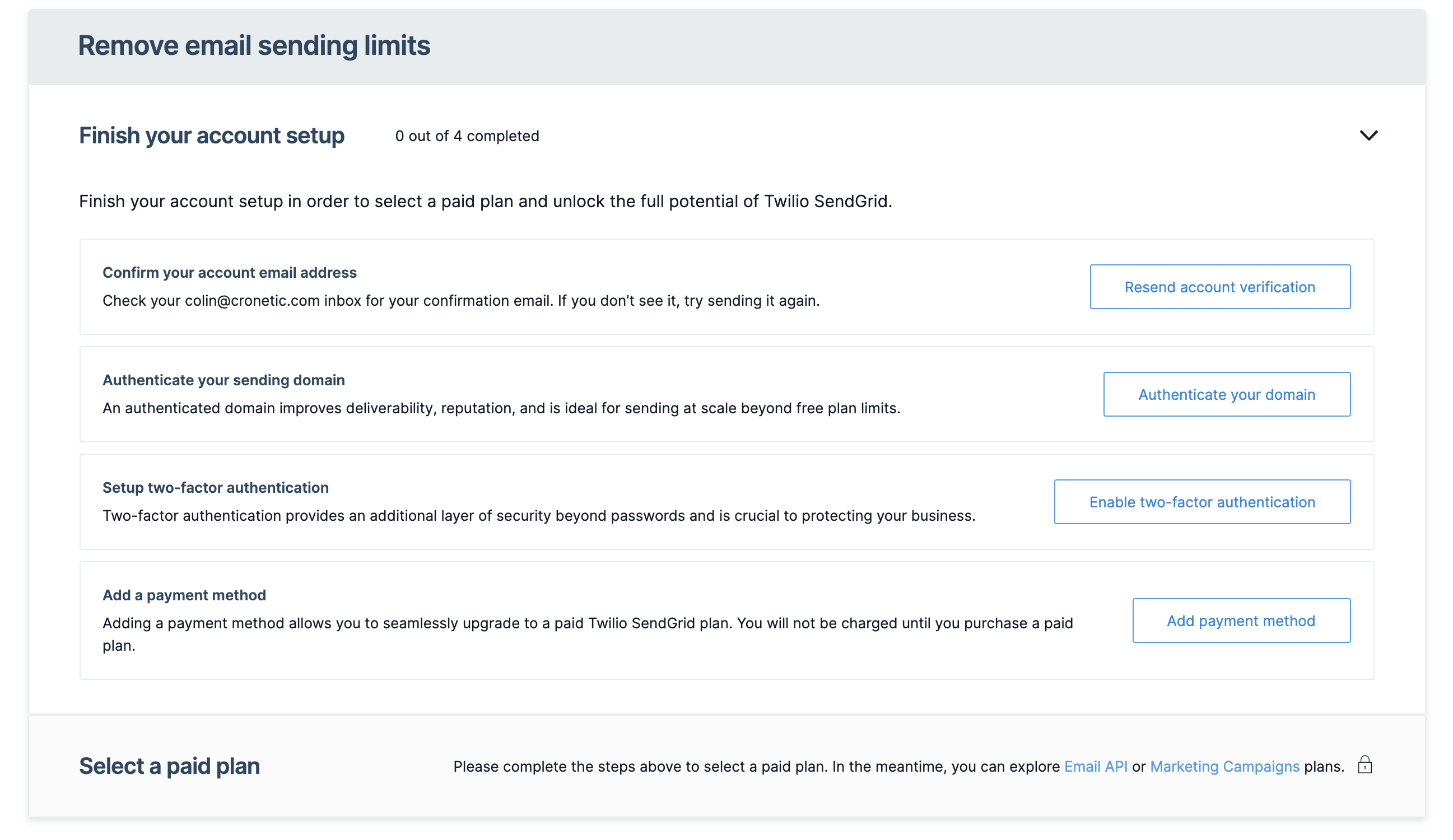
Complete the 4 Tasks listed in this dropdown.
If you run into any issues, do not hesitate to contact us at https://help.cronetic.com
Comments
0 comments
Please sign in to leave a comment.