
To view the details of an order, you must first access the order by one of the following options.
1. Head to Menu > Order > and select the status that the quote should be in. Next, click on the Order ID and select "View"
2. Head to Menu > Order > and select the status that the order should be in. Utilizing the search bar, input the Order ID or the any details of the order that your shipper can provide you should you be on a live call. (If Admin, first select the Agent's View by clicking  and selecting "View All" or the shipper's account holder.
3. Head to Menu > Manage Accounts > Shippers. Utilizing the search bar, input the Order ID or the any details of the order that your shipper can provide you should you be on a live call.
Action Buttons

Edit Order - Opens Order page with editable fields for the order
Payments - Opens payment management page. Allows agent to send payment links or record outside source of payment by shipper or carrier.
Dispatch Sheet - (Order must be dipatched first) Opens Order's dispatch detail page. The option to download a PDF Copy of the dispatch sheet can be found here.
Send Email - Displays a WYISIWYG email screen with the options to load preset email templates.
Action - Dropdown with the following options
New Order
- Dispatch Order
- Post to CD
- Reassign
- On Hold
- Report Issue
- Cancel
If Posted to CD
- Re-Post to CD
- Remove from CD
If Dispatched
- Un-dispatch Order
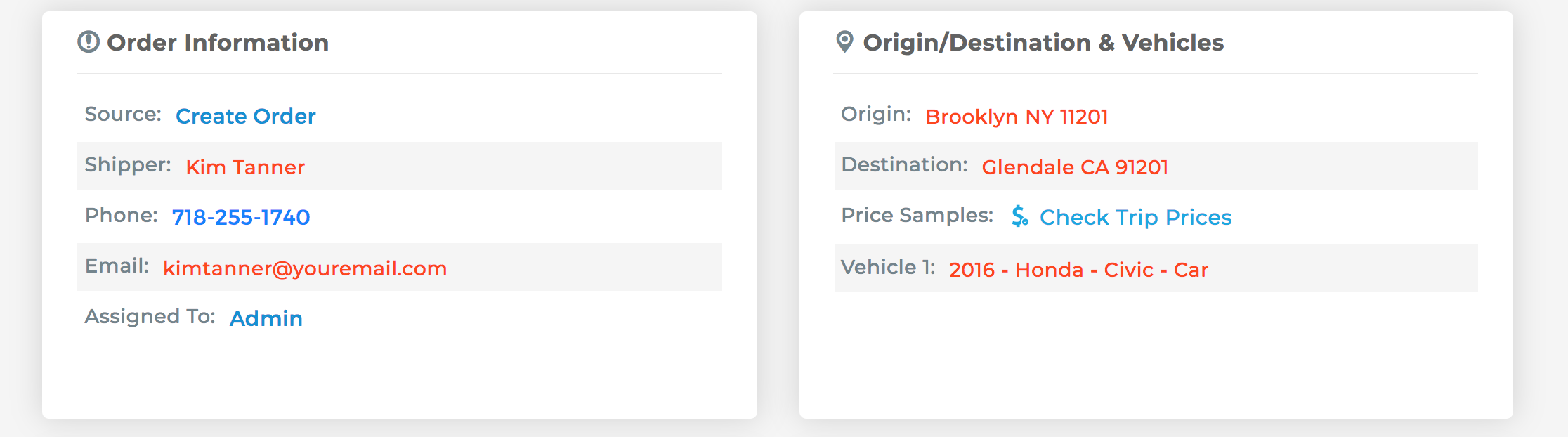
Main Details
In the fields found below, you will find all the important details of the quote.
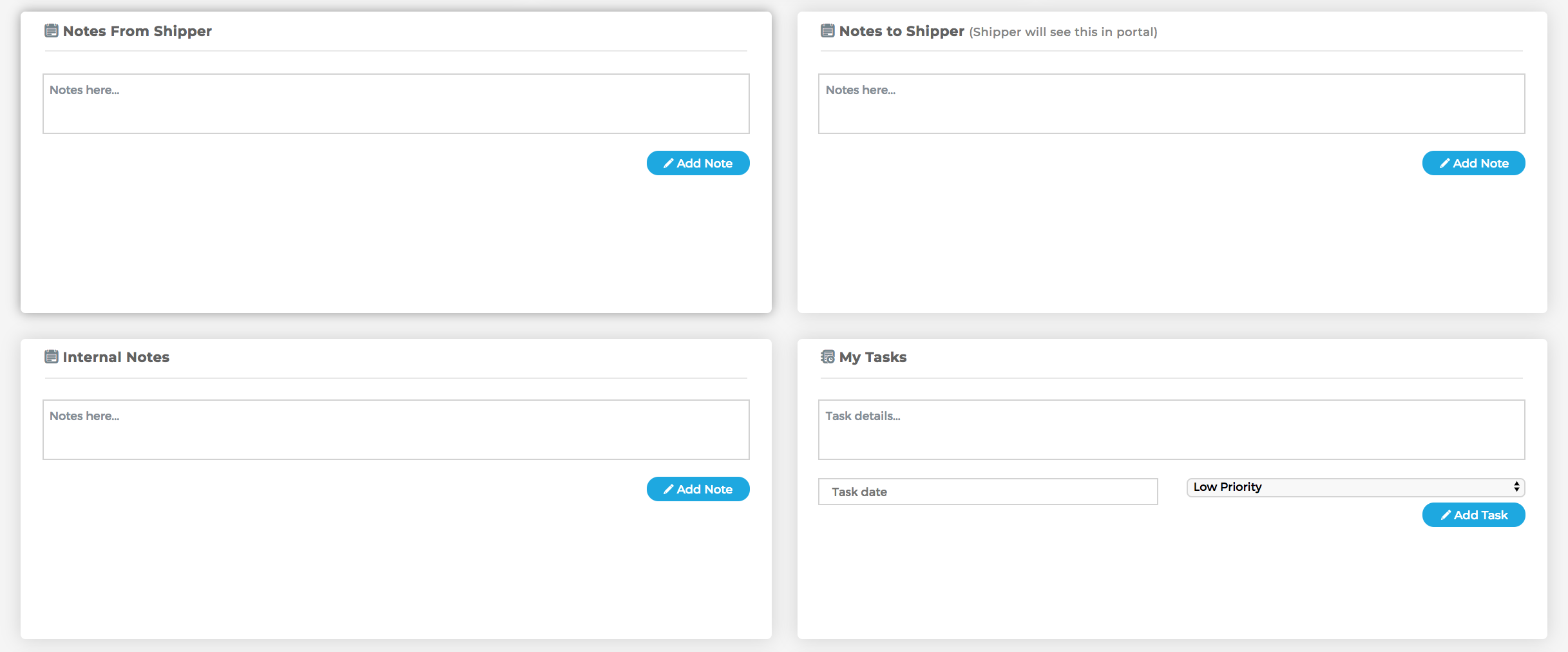
Details and Notes
In the following fields, Cronetic allows you to store notes and messages for the specific Order. This is helpful for future references, communication within the team, and notifying the shipper should they look for updates in their portal.
You can also schedule a follow-up reminder in My Tasks. By saving a new task here, you will get a notice on your dashboard when the scheduled date and time arrives.
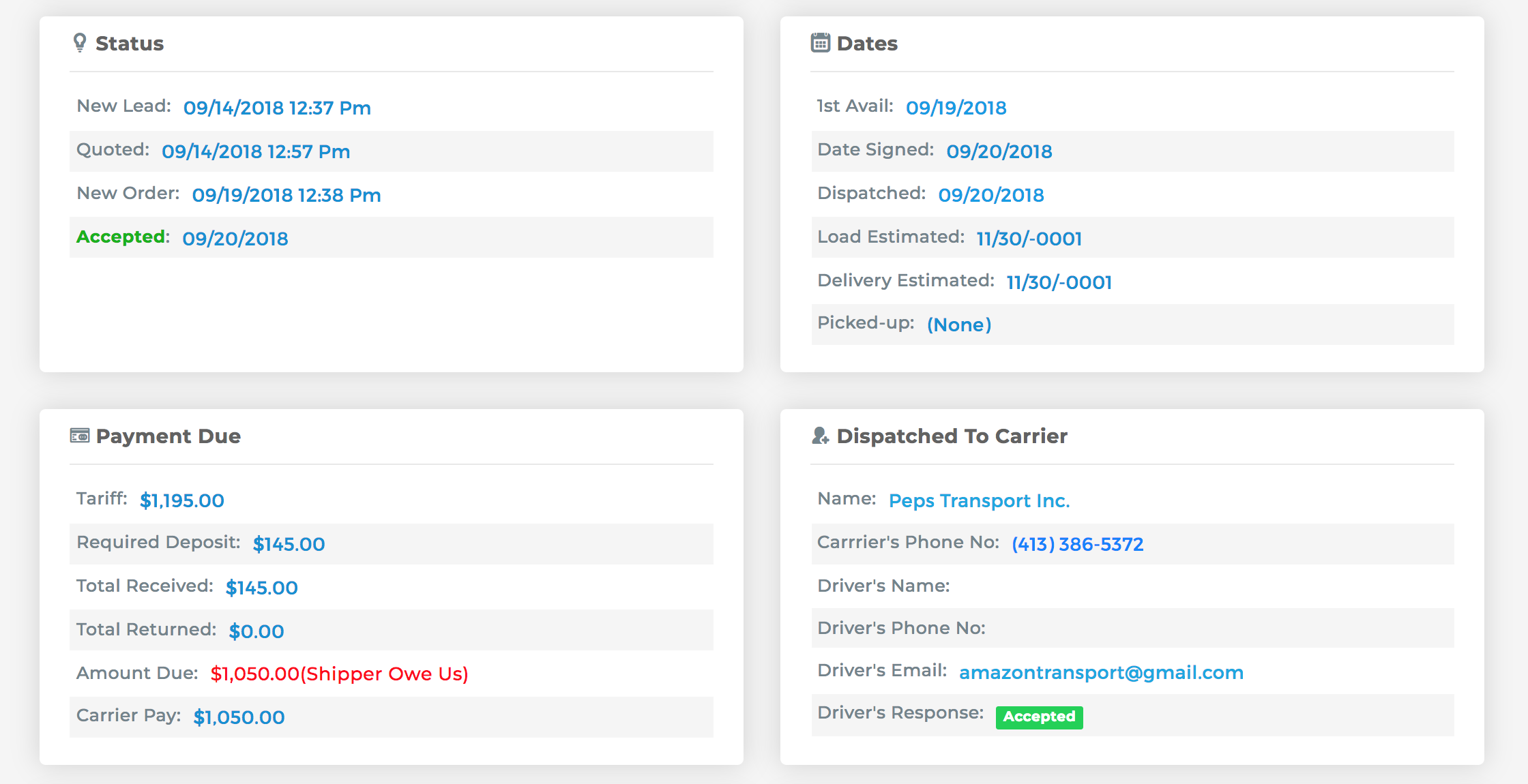
Transport Specifics
The following fields let's the agent have a quick view details of the scheduled transport.
Comments
0 comments
Please sign in to leave a comment.