
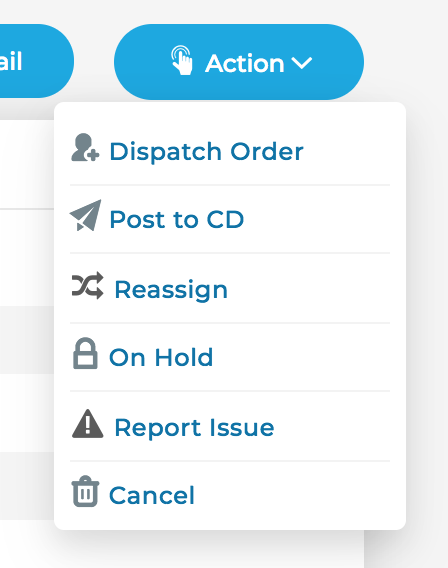
To post an order to Central Dispatch, click on the Action button, then Post to CD
A pop up window appear where you can edit the amount of pay you're offering the carrier. The Additional Info field allows you to input a quick note (such as agent's contact info, a note about the load, etc) to the carriers that are looking for loads on the load board.

To Remove the load from Central Dispatch, click on the Action button and select Remove from CD
Note: Cronetic automatically removes the load from Central Dispatch if the Order has been cancelled, or if the option is highlighted when dispatching to a carrier.
Comments
0 comments
Please sign in to leave a comment.